Coding and Traditional Animation
Feb 14, 2021Using embroidery for an animated film is a pretty strange choice.
In the animation industry, where every detail needs to be redrawn or replicated every frame, there are so many examples where artists have simplified their character designs to fit within budget constraints and technical limitations.
Famously, Yogi Bear was designed with a collar and tie as a clever way to hide the seam between his body and his head so they could be animated independently, saving a tonne of time and money.
In my short film, In Stitches, the reverse was kind of true. The story idea sprang from the use of embroidery as a medium, so I instead needed to find other techniques and processes that would help me animate with something as cumbersome and resource intensive as embroidery.
Early considerations
One of the first decisions I had to make was what sort of layout I would use for the embroidered sequences.
In a traditional animation workflow, you would draw all your artwork on animation cels of the same size. These cels are then layered on top of one another to create your final shot.
There are great benefits to using up a whole cel for each element, namely that it's much easier to keep the elements correctly registered and aligned with one another.
However, it means that for every frame of the film, you're only really using a small fraction of each cel. This isn't normally a big deal, but in the case where each frame of the blanket needs to be embroidered, it would result in so much wasted fabric.
Not only does this have cost implications, but I also couldn't bring myself to produce so much waste when, with some more experimentation and effort, I knew it wasn't necessary.
A slightly optimised version of this would be to crop the frame so that you keep the element justified, but eliminate the surrounding area that is never used.
This could work in some instances but based on my storyboards, I knew that there were would inevitably be scenes where the blanket moves around the entirety of the frame.
(Interactive)
It was at about this time that I began some proper experiments with real fabric and embroidery, and given my history of using phenakistoscopic layouts, I thought it might be worth a try.
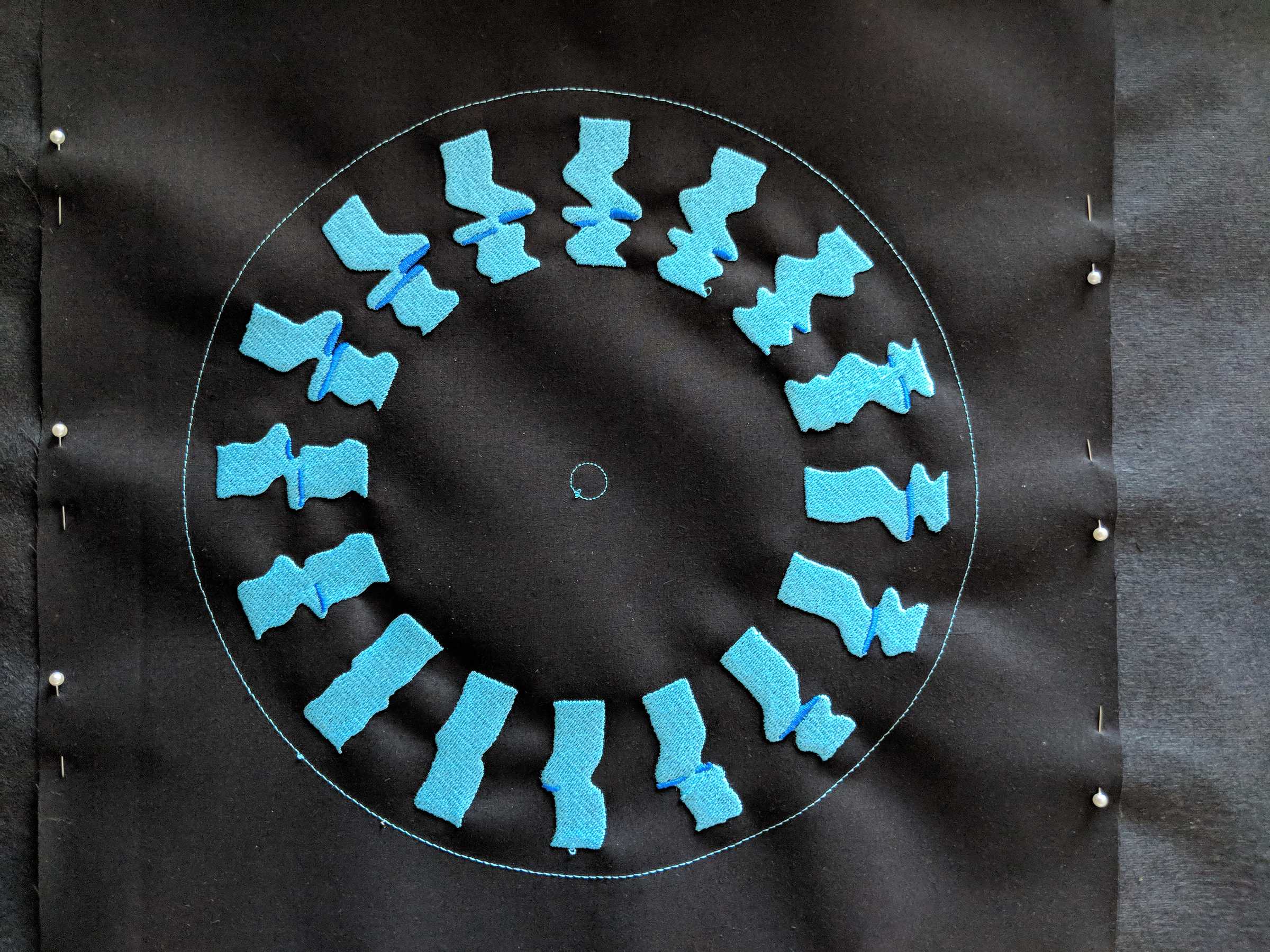
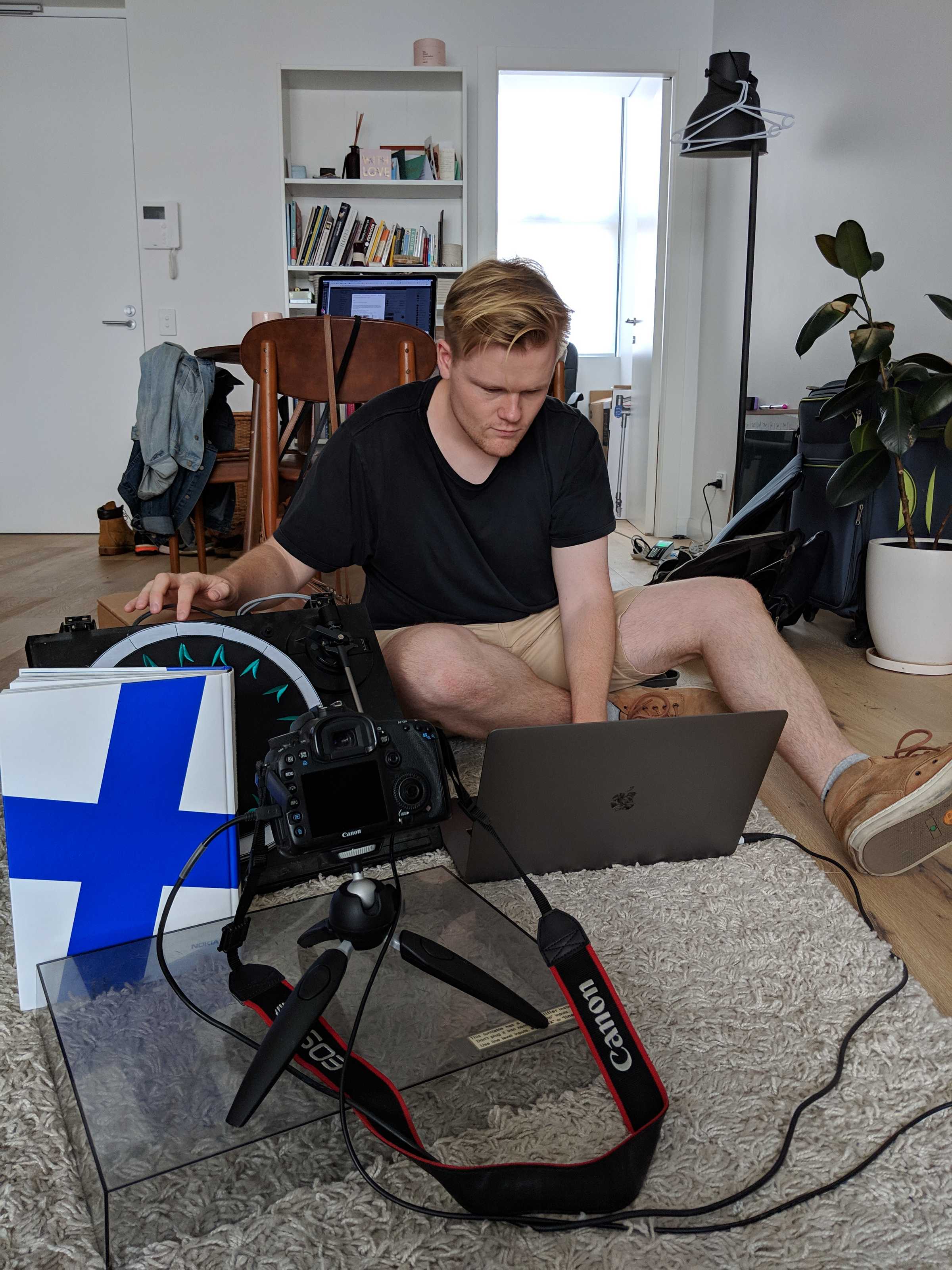
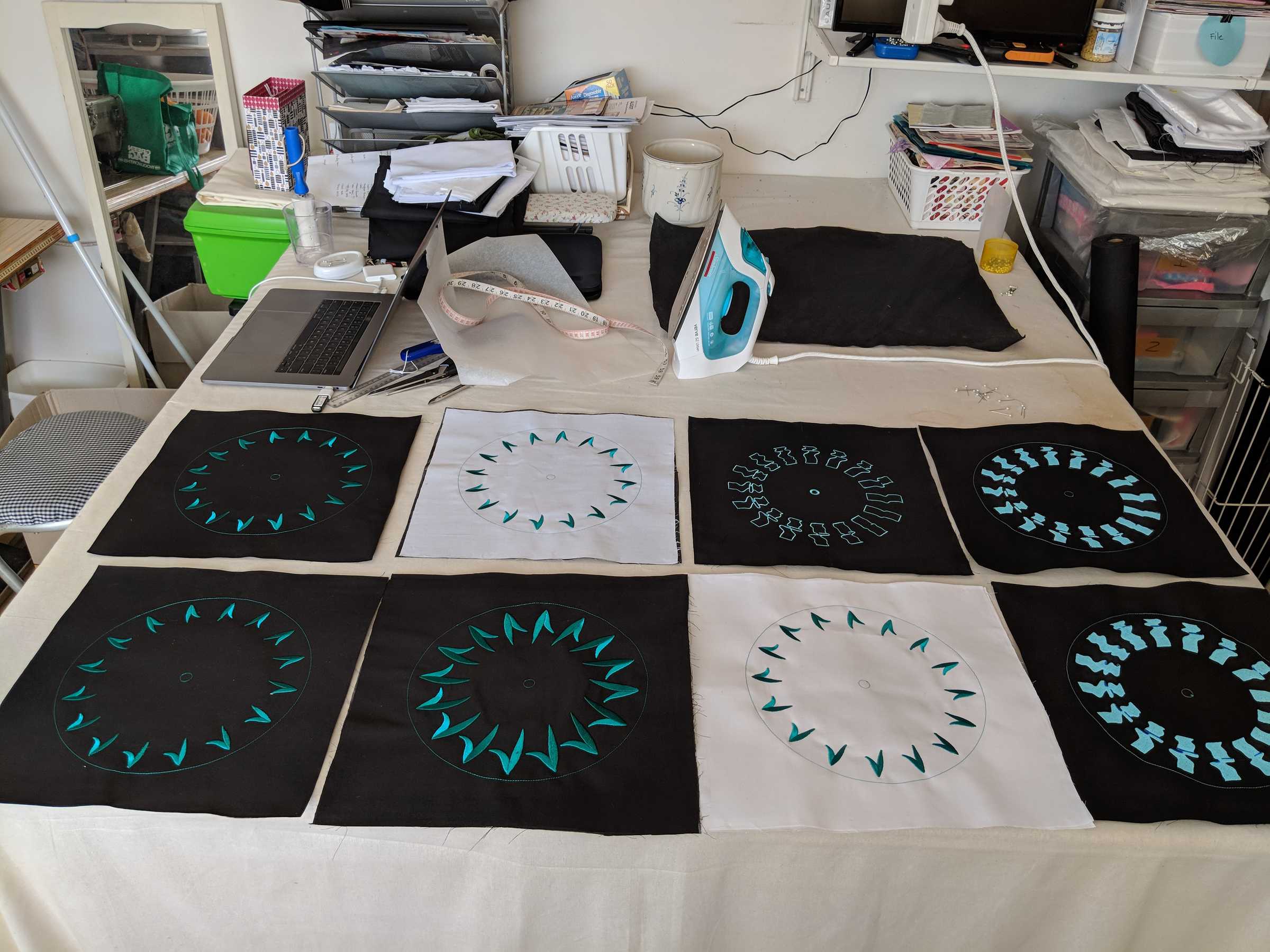
(Photos of phenakistoscope test) (Video of test)
Sure this might look strange, but one of the great things about phenakistoscopes is that your retain one axis of transformation which simplifies registration somewhat. Instead of needing to keep an element aligned both rotationally and translationally, you instead just have to consider rotation.
(Interactives * 2)
Inevitably, I decided the only way forward was to embroider the elements using a much tighter crop which tracked with the element and moved around the frame.
(Interactive)
By this point, you could easily be forgiven for thinking that my approach is looking a lot less like a traditional animation workflow, and much more like a sprite from a video game.
(Interactive)
Having committed to this approach, I now had the possibility of embroidering multiple frames onto one piece of fabric. But I'd lost one of the best parts of the original technique; the scene no longer had elements registered to each other.